Application stack
Manage your webserver, PHP, Node.js and databases. The services your projects need, together.
Servers, Git deployments, databases and monitoring. Everything you need to run your applications, in one cloud.
From configuring services to managing files. Handle everyday tasks directly in.
Manage your webserver, PHP, Node.js and databases. The services your projects need, together.
SSH terminal, console, files and SSH keys. Work on your server directly in your browser.
Manage backups, firewall rules and user access. Share servers with colleagues and set permissions.
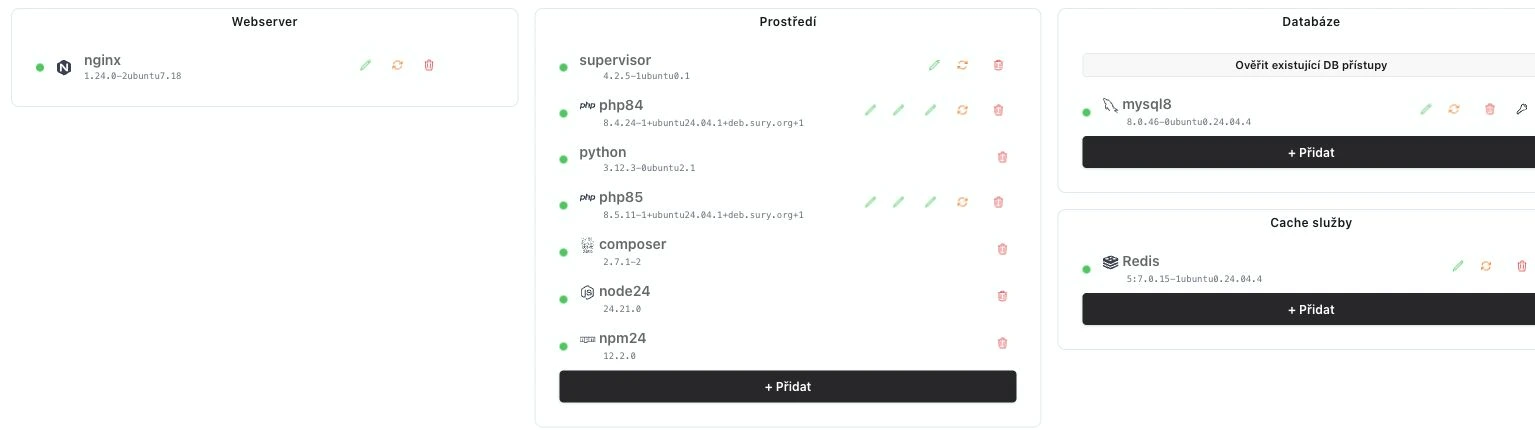
Choose an application server profile or manage services individually. Runtimes, webservers, databases and caches in one overview.
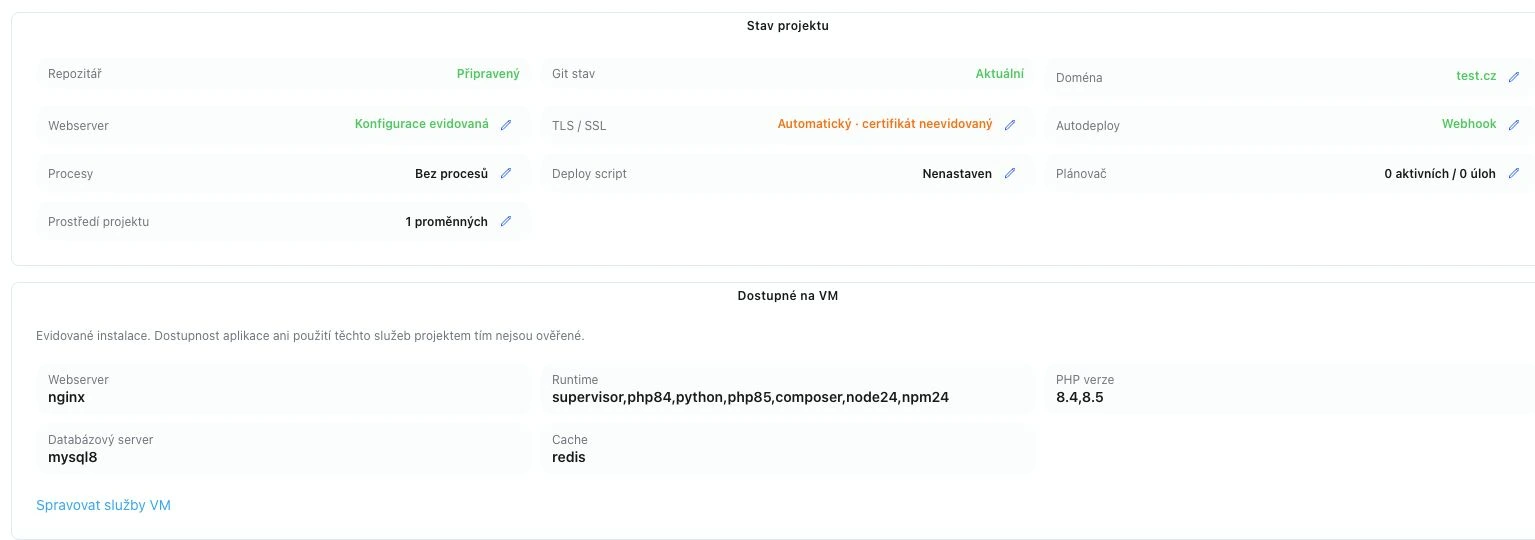
Your Git repository, domain and project configuration. Clear and in one place.
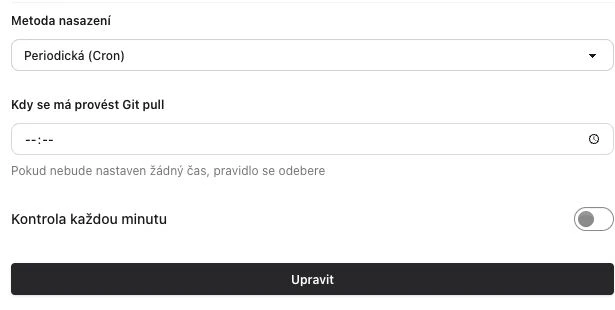
Choose manual updates, scheduled checks through Cron, or updates through a GitHub or GitLab webhook.
Configure shell commands, a working directory, a Linux user and project environment variables. The saved script runs after a successful Git pull and can also be run separately.
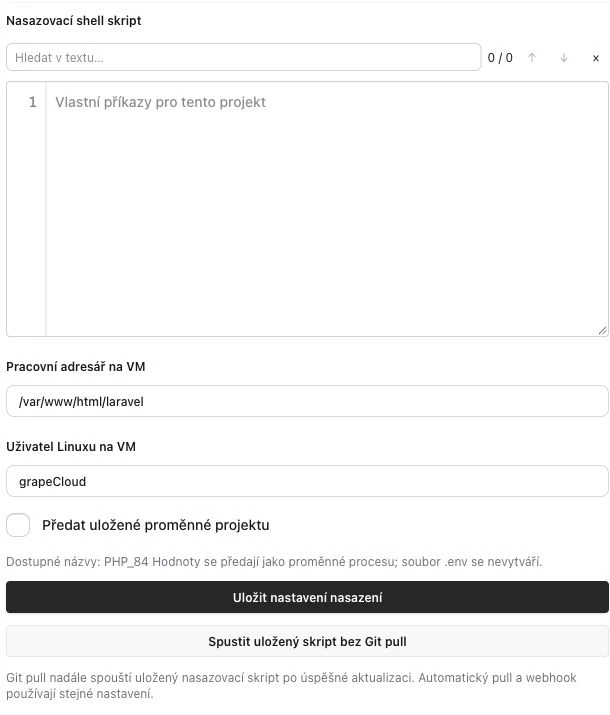
Open project output and logs and check the last operation’s status. Deployment success depends on your project configuration and the outcome of your commands.
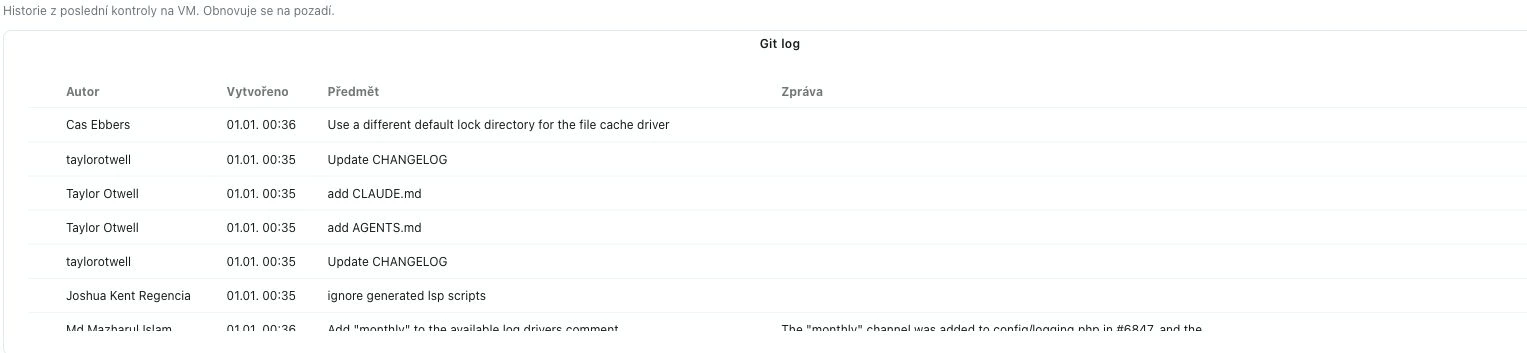
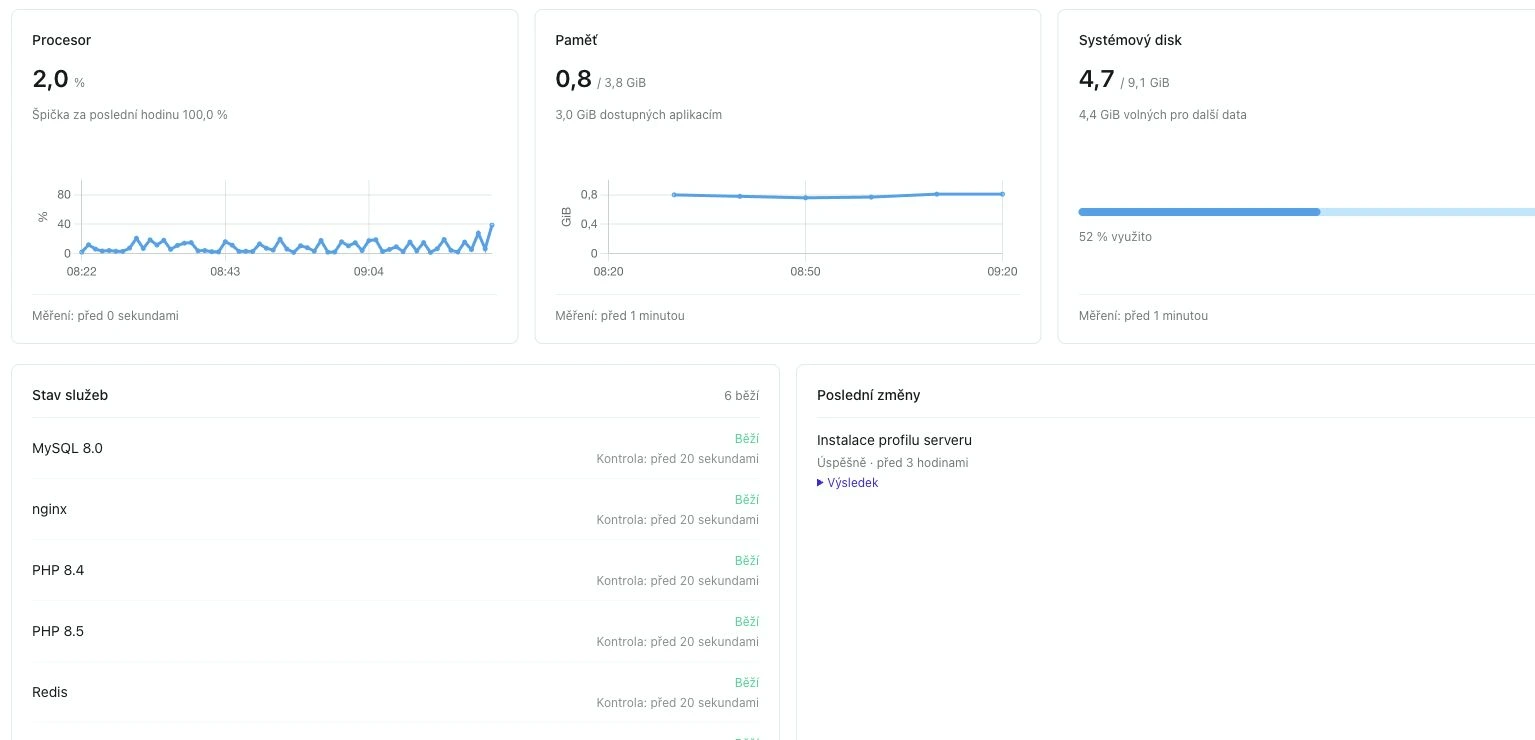
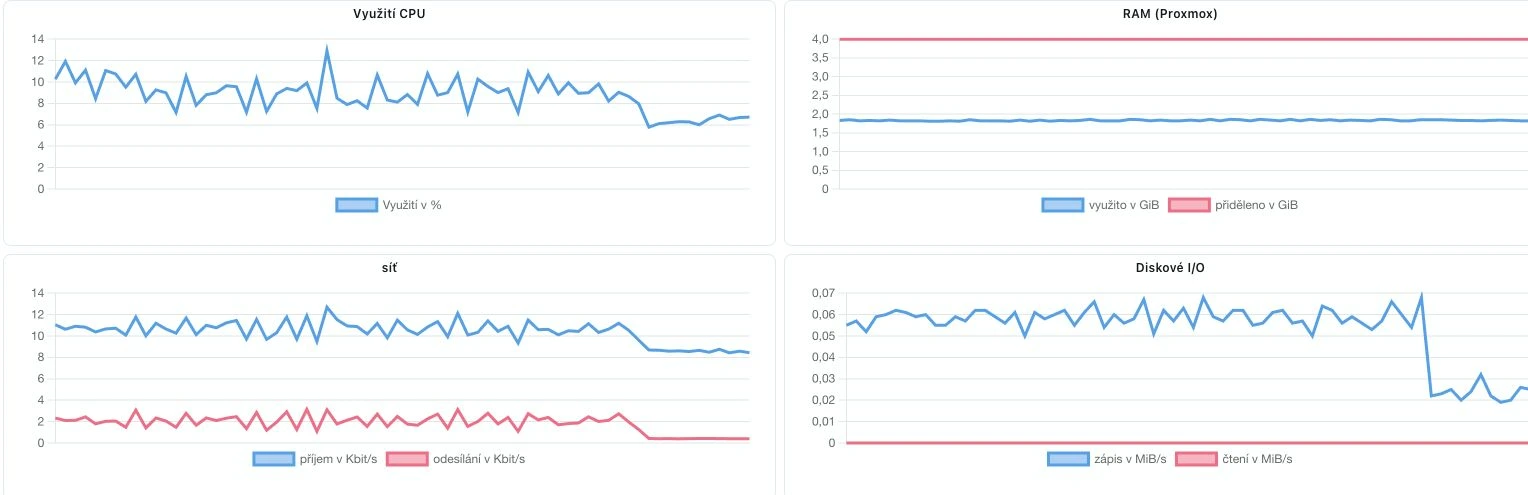
Resource usage, application logs and service status. Stay informed when everything runs smoothly and when you need to act.
Track CPU, memory and disk usage. See current measurements and history.
Browse application and service logs directly in the dashboard.
Service and port checks. Email notifications for server status, memory, disk or SSL.
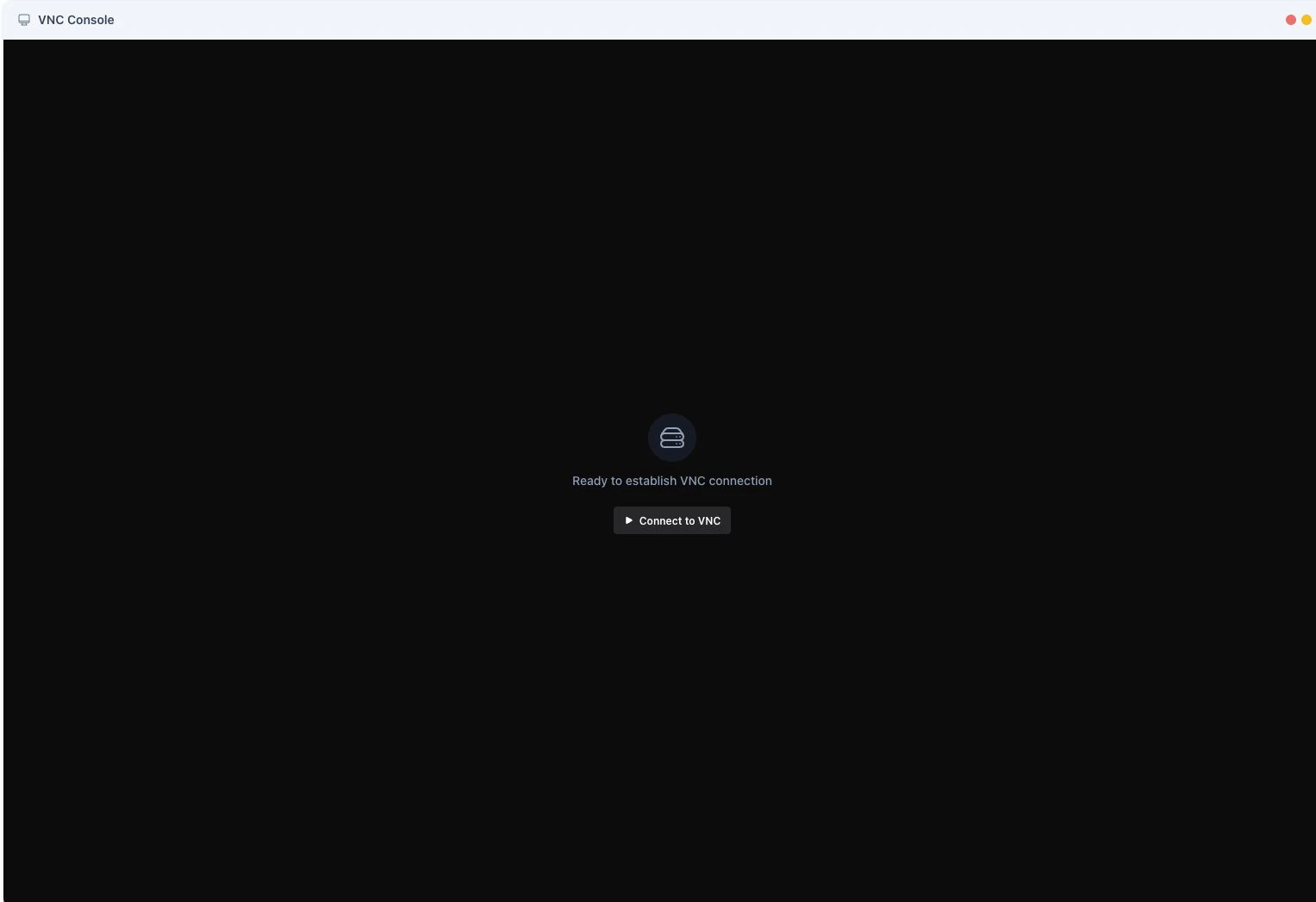
Connect directly to your virtual server’s console. Diagnose issues and access the server even when SSH is unavailable.
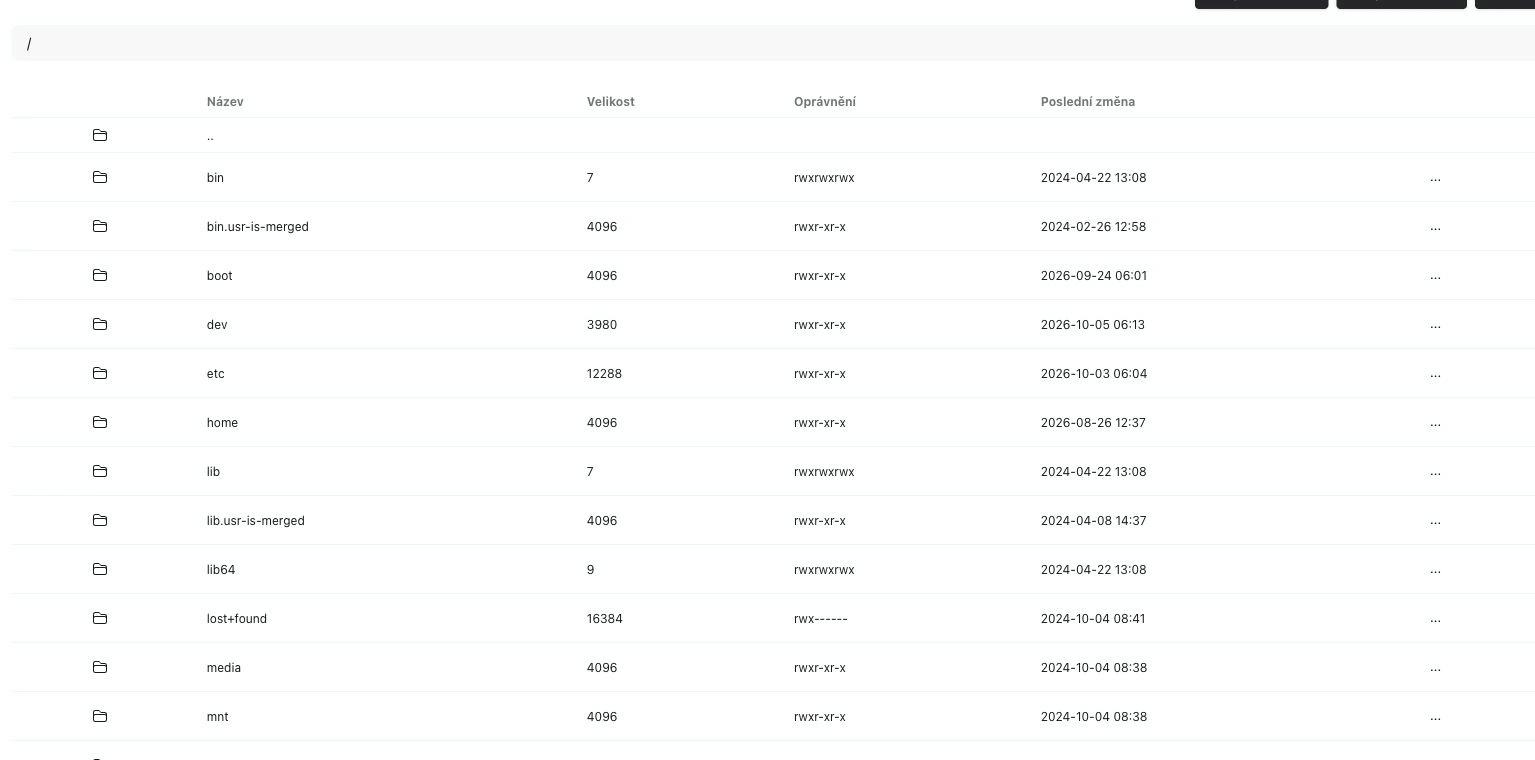
Upload files, edit configuration and change permissions without opening another client.
Open a terminal or VNC console for everyday work and situations that need direct access.
Create a backup, set a recurring schedule and restore your server from an available backup.
Manage network rules, SSH keys and certificates for your project domains.
Invite colleagues or share a specific server. Choose administrator or developer access.
Spotlight search and documentation help you find a server, an action or an answer.
Need a different configuration? Let’s discuss it →
Get in touch. We will help you choose a configuration for your project.